REST API
Full programmatic access to your content. Build mobile apps, custom frontends, or integrate with any external service.
NewsPro's REST API gives you complete programmatic control over your site's content. Create, read, update, and delete articles, categories, pages, users, breaking news, and media — all via clean JSON endpoints authenticated with a Bearer token. Build a mobile app, a headless frontend, or sync content with an external CMS.
- Full CRUD on articles, categories, pages, breaking news, users, and media
- Bearer token authentication — generate and regenerate in one click
- Enable / disable API access from the dashboard
- JSON request and response format
- Pagination with limit and offset parameters
- Field selection — request only the fields you need
- Filtering by category, author, status, date range, and search query
- Custom sort order via order_by parameter
- Upload media from URL — no file transfer needed
- CORS enabled — call from any domain or mobile app
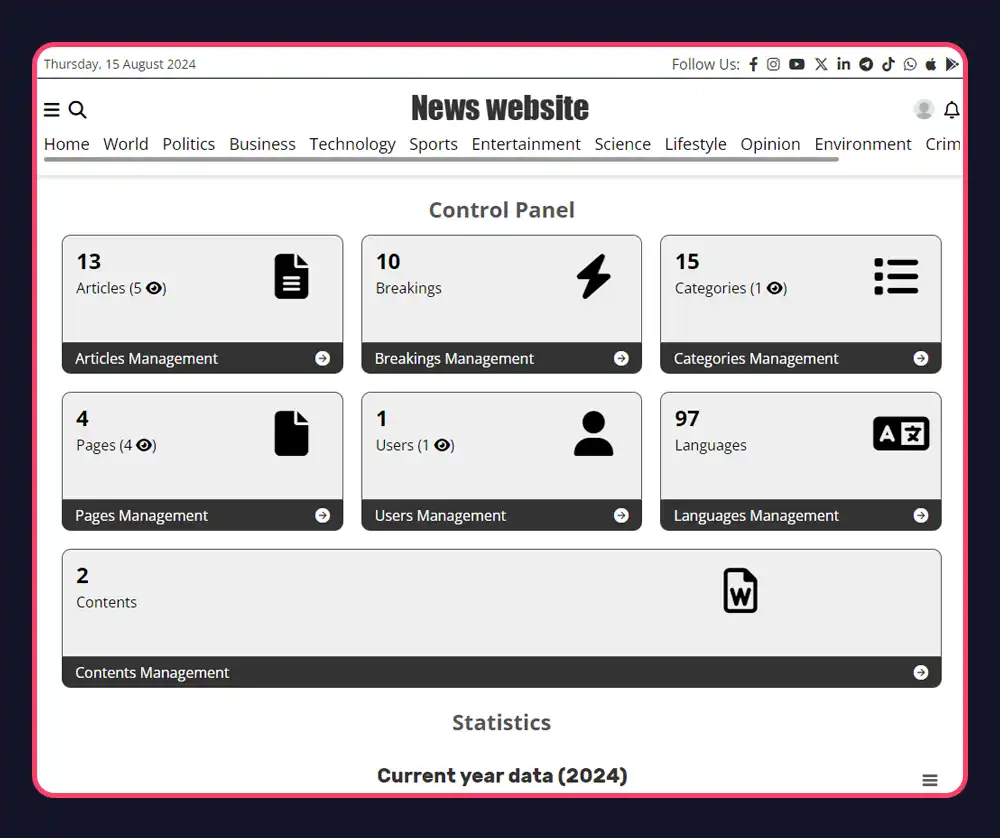
API Resources
Articles
Get, create, update, and delete articles. Filter by category, author, status, or date range. Search by keyword. Returns all fields including views, likes, comments, thumbnail, and video.
Categories
Manage your category tree via API. Get all categories, create new ones, update names and slugs, or delete. Includes parent_id for nested category structures.
Pages
Full CRUD on static pages (About, Contact, etc.). Get page content, create new pages, update body and metadata, or delete. Useful for headless CMS setups.
Breaking News
Get, post, and manage breaking news tickers via API. Useful for integrating with a newsroom's live coverage tool or a third-party alert system.
Users / Authors
Read and manage author profiles — name, email, biography, avatar, role, and social links (X, Facebook, Instagram, YouTube, LinkedIn, Twitch).
Media
Upload from URL, update metadata (title, credit, description), generate cache thumbnails, or delete. Manage your entire media library programmatically.
Authentication & Setup
Enable the API
In your dashboard Settings → API, toggle the API on. Your Bearer token is generated automatically and displayed.
Copy Your Token
Copy the Bearer token. Include it in every API request as an Authorization header: Authorization: Bearer YOUR_TOKEN. Regenerate anytime.
Start Building
Send a POST request to /api with resource, action, and any filters or fields. Get a JSON response. That's the entire API surface.
Request Parameters
Common Questions
Include your token in the Authorization header: "Authorization: Bearer YOUR_TOKEN". Get your token from Settings → API in your dashboard.
Yes. The API returns JSON and has CORS enabled for all origins, so you can call it directly from a React Native, Flutter, or native iOS/Android app.
Yes. Use resource: "article", action: "add" with the article fields. The article can be created as published, draft, or scheduled.
The API inherits the server's standard rate limiting. For most publishing workflows — syncing content, posting articles, managing media — you won't hit any limits.
Yes. Fetch articles, categories, and pages via the API and render them in any frontend framework — Next.js, Nuxt, SvelteKit, or a native mobile app. Your content, your presentation layer.
Ready to Get Started?
Create your news site in 60 seconds. All features included in every plan.
Create Your Site