97 Languages — Full RTL Support
Publish your news site in any language in the world. The entire platform — dashboard, reader interface, and AI writing — adapts automatically.
NewsPro was designed from the ground up for multilingual publishing. Choose your site language and everything follows — the reader-facing template, the dashboard UI, the AI-generated content, the text direction (LTR or RTL), the date formats, and the URL structure. No plugins, no extra configuration.
- 97 languages supported out of the box
- Full RTL (right-to-left) layout for Arabic, Hebrew, Persian, Urdu, and more
- Dashboard UI fully translated in every supported language
- AI writes articles in your site language automatically
- AI translates content to any target language on demand
- Each language has its own direction (LTR / RTL) setting
- Hreflang meta tags for multilingual SEO
- Date and number formatting per locale
- Unicode support for all scripts and character sets
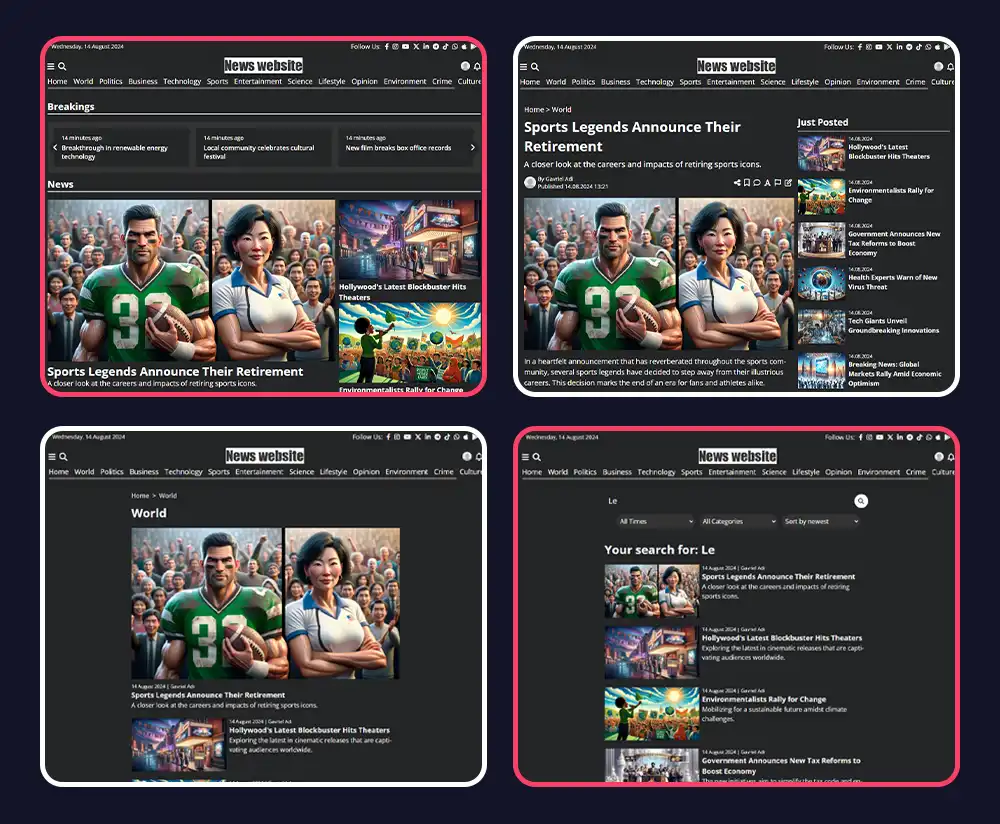
Language Coverage
How Multilingual Works
Set Your Site Language
Pick your site language once in settings. The entire platform — dashboard, reader interface, and AI — switches to that language and direction automatically.
Full RTL Layouts
RTL isn't just flipped text. NewsPro's templates use CSS direction variables that flip the entire layout — navigation, cards, article flow, reading direction — correctly for Hebrew, Arabic, and every other RTL language.
AI Writes in Your Language
The AI writing engine generates articles directly in your site language. Set it to Hebrew and every AI-written article comes out in Hebrew — headlines, body, meta description, everything.
AI Translation on Demand
Need to translate an existing article into another language? The AI can do it in one click. Set a default translation language and translate any article with a single button.
Dashboard in Your Language
The entire dashboard UI — menus, buttons, labels, messages — is translated in all 97 languages. Your team works in their own language, not in English.
Multilingual SEO
Hreflang meta tags tell search engines which language your site is in. Your content gets indexed in the right regional Google — Arabic content ranks in Google.com.sa, Hebrew in Google.co.il.
Common Questions
Yes. Set your site language to Hebrew and the entire platform — dashboard and reader-facing template — switches to RTL automatically. Menus, article cards, navigation, reading direction — everything flips correctly.
Yes. The AI generates articles directly in your site language. Set your site to French, Arabic, Japanese — the AI writes in that language natively, not translated from English.
Yes. There's a built-in AI translation tool in the editor. Set a target language and translate any article in one click.
Yes. Language support is not a paid add-on. All 97 languages are available on every plan.
Yes. Every template is built with CSS direction variables that flip the layout correctly for RTL languages. You don't need a separate RTL template.
Ready to Get Started?
Create your news site in 60 seconds. All features included in every plan.
Create Your Site