Media Library
One organized home for every image, video, and audio file on your site — with automatic optimization, cloud storage, and AI generation built in.
NewsPro's media library is more than a file manager. Every uploaded image is automatically resized to three responsive sizes and converted to WebP. Every video is transcoded to multiple resolutions. Files can be served from 8 cloud storage providers for global CDN delivery. And if you need an image right now, the AI can generate one from a text prompt — all from the same interface.
- Automatic image resizing — 3 responsive sizes (304px, 500px, 800px)
- Auto WebP conversion — 30% smaller files, same visual quality
- Video transcoding via FFmpeg — 360p, 720p, 1080p variants
- Cloud storage: Cloudflare R2, Bunny.net, AWS S3, GCS, Azure, and more
- AI image generation: GPT Image 2, Imagen 4, Grok Imagine, Stable Diffusion, Runway
- AI video generation: Runway Gen4 Turbo, Grok Imagine Video
- AI text-to-speech (OpenAI TTS, ElevenLabs)
- Stock photo search: Pexels, Unsplash, Pixabay, Shutterstock, GIPHY
- Per-tenant storage quota with real-time usage display
- Bulk metadata editing — title, credit, description
Automatic File Optimization
Upload
Drag a file into the media library or upload directly from the article editor. Images up to 15 MB, any standard video format, MP3/WAV audio.
Auto-Process
NewsPro automatically creates three resized variants of every image (small, medium, large) and converts them to WebP. Videos are transcoded to 360p, 720p, and 1080p.
Serve via CDN
Processed files are uploaded to your configured cloud storage provider and delivered via CDN to readers worldwide. The right size is served for each context automatically.
Media Sources
Direct Upload
Drag-and-drop upload with progress tracking. Multiple files at once. Supports JPEG, PNG, WebP, GIF images; MP4, WebM video; MP3, WAV audio; and font files.
AI Generation
Generate images from a text prompt using GPT Image 2, Imagen 4, Grok Imagine, or Stable Diffusion. Generate video clips via Runway or Grok Imagine Video. Convert article text to audio with OpenAI TTS or ElevenLabs.
Stock Photo Search
Search Pexels, Unsplash, Pixabay, Shutterstock, or GIPHY from inside the media picker. One click imports the photo into your library with photographer credit.
Import from URL
Paste any public image URL and NewsPro downloads, processes, and stores it in your library automatically — including creating all responsive cache variants.
Cloud Storage Providers
Common Questions
Yes, if you enable image format conversion in Settings. All uploaded images are converted to WebP at 90% quality — delivering smaller files with no visible quality loss.
No. NewsPro defaults to local storage on your server. Cloud storage is optional — connect it when you want CDN delivery or need to offload disk usage.
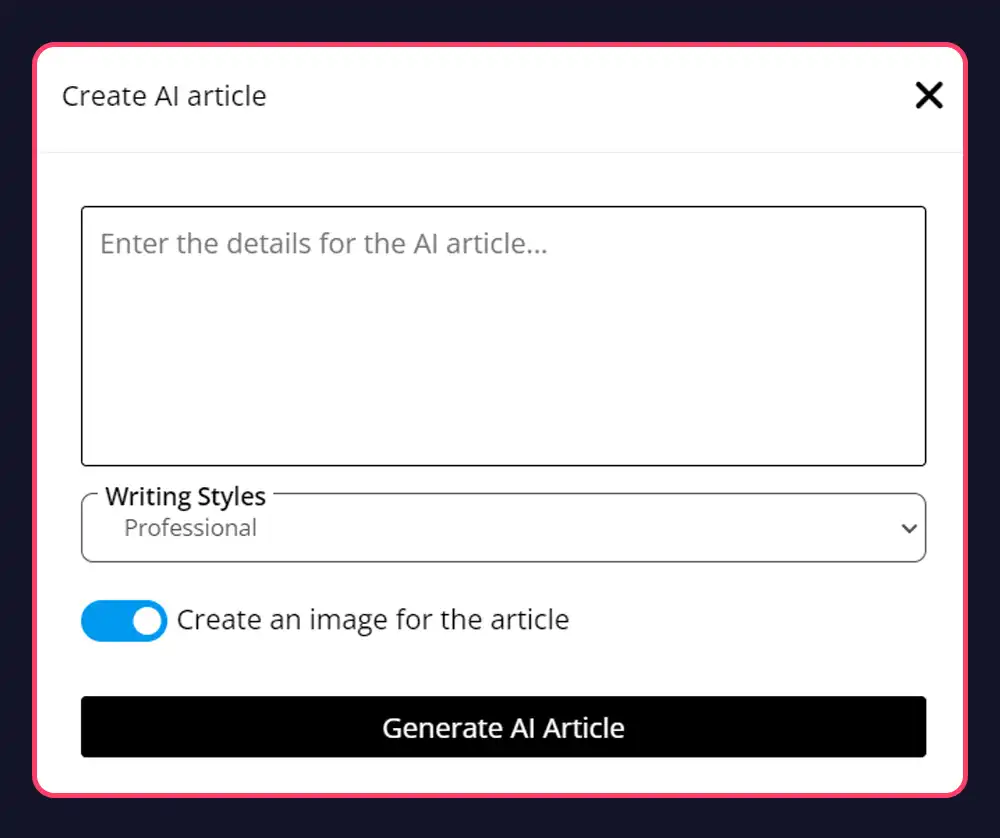
Yes. From the article editor, click the AI image button, enter a prompt, and the generated image is saved to your media library and inserted into the article automatically.
Each site has a configurable storage quota. You can see your current usage and remaining space in the media library dashboard with a visual progress bar.
Ready to Get Started?
Create your news site in 60 seconds. All features included in every plan.
Create Your Site