AI Image Generation
Every article gets a unique, professional image — generated automatically. No stock photos, no licensing, no searching.
NewsPro generates a custom image for every article it writes — automatically, in the background, without you lifting a finger. Powered by GPT Image 2, Imagen 4, Grok Imagine, Stable Diffusion, and Runway, the AI creates photorealistic images styled to match your topic. Featured images, inline body images, and stock fallback — all handled.
- GPT Image 2 (OpenAI), Imagen 4 / Imagen 4 Ultra (Google), Grok Imagine (xAI)
- Stable Image Ultra, SD 3.5 Large, SD 3.5 Large Turbo (Stability AI)
- Runway Gen4 Image, Gemini 3 Pro Image, Gemini 2.5 Flash Image
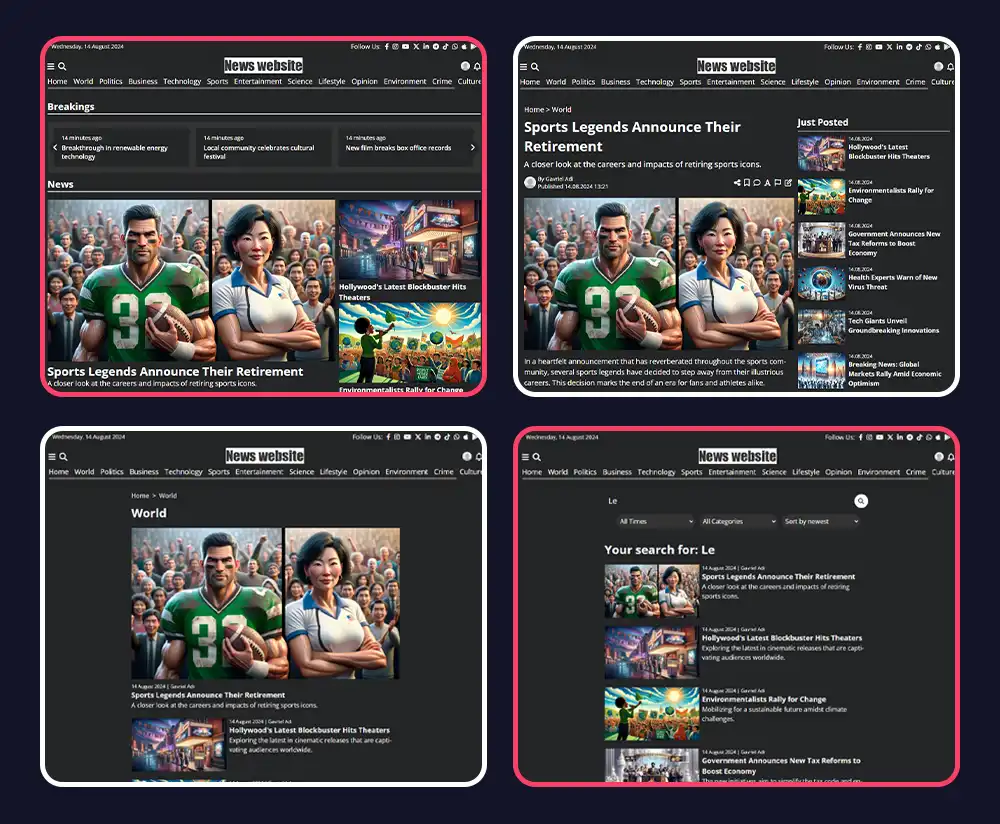
- Photorealistic news photography style — no cartoon AI look
- Auto-generated featured image for every article
- AI body images embedded inline inside article content
- Stock image fallback via Pexels, Unsplash, Pixabay, Shutterstock, GIPHY
- Images stored in your media library — reusable and searchable
- Automatic WebP conversion and thumbnail generation (3 sizes)
- 3 automatic retries on generation failure — no broken images
How It Works
AI Writes the Article
The AI writes the full article — headline, body, and metadata. At the same time it composes a detailed image prompt based on the article topic and style.
Image is Generated
The prompt is sent to your selected image provider. A photorealistic, news-photography-style image is generated in seconds and downloaded automatically.
Stored & Attached
The image is converted to WebP, resized to 3 cache sizes, saved in your media library, and attached to the article as the featured image — automatically.
Image Providers Supported
Image Types
Featured Image
Every article gets a 16:9 featured image generated from a prompt derived from the article topic. Photorealistic, news-photography style. Attached automatically before publishing.
Inline Body Images
The AI can embed images directly inside the article body — with captions and alt text. Just write the prompt in a special comment tag inside the content and the image is generated on the fly.
AI Stock Discovery
When direct generation isn't needed, the AI searches Unsplash, Pexels, and Pixabay for the best matching real photo. Saves generation credits, still gets a great image.
Media Library
Every AI-generated image lands in your media library with the original prompt saved as metadata. Search, reuse, or delete any image at any time.
Auto WebP + Thumbnails
All images are automatically converted to WebP and cached in 3 sizes (304px, 500px, 800px). Your pages load fast regardless of the original image size.
Automatic Retry
If a generation request fails, the system retries up to 3 times with a short delay. If all retries fail, it falls back to stock image discovery — so articles never go live without an image.
Common Questions
No. The AI automatically writes the image prompt based on the article topic and style. You never need to touch it — though you can customize the prompt style in your AI settings.
You choose from GPT Image 2, Imagen 4, Grok Imagine, Stable Diffusion, Runway Gen4 Image, and more. Set a default in your AI settings and override it per run.
It retries 3 times automatically. If all retries fail, it searches free stock image sources (Pexels, Unsplash, Pixabay) as a fallback. Articles always get an image.
AI-generated images are owned by you — no licensing issues. Stock images from Unsplash and Pexels are under their respective free-use licenses, always safe to use.
Yes. All images are stored in your media library and are yours to use however you like.
Ready to Get Started?
Create your news site in 60 seconds. All features included in every plan.
Create Your Site