

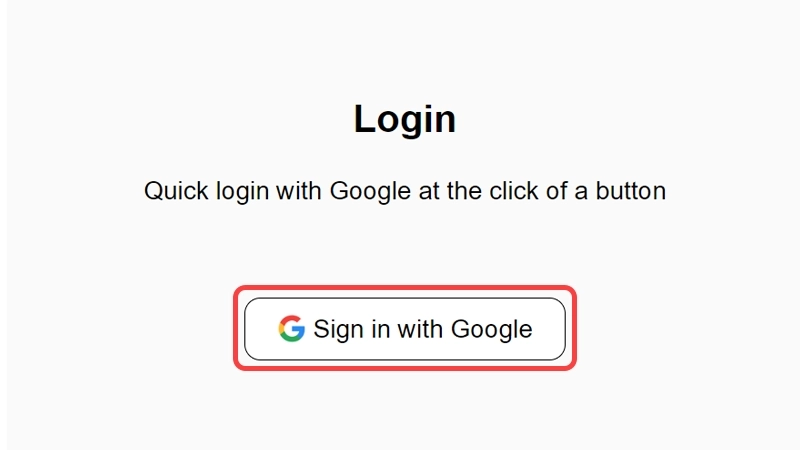
Sign in to the Website with Google
Go to this link: https://newspro.io/login/, Sign in with your Google account in one click.
Access the My Account Page
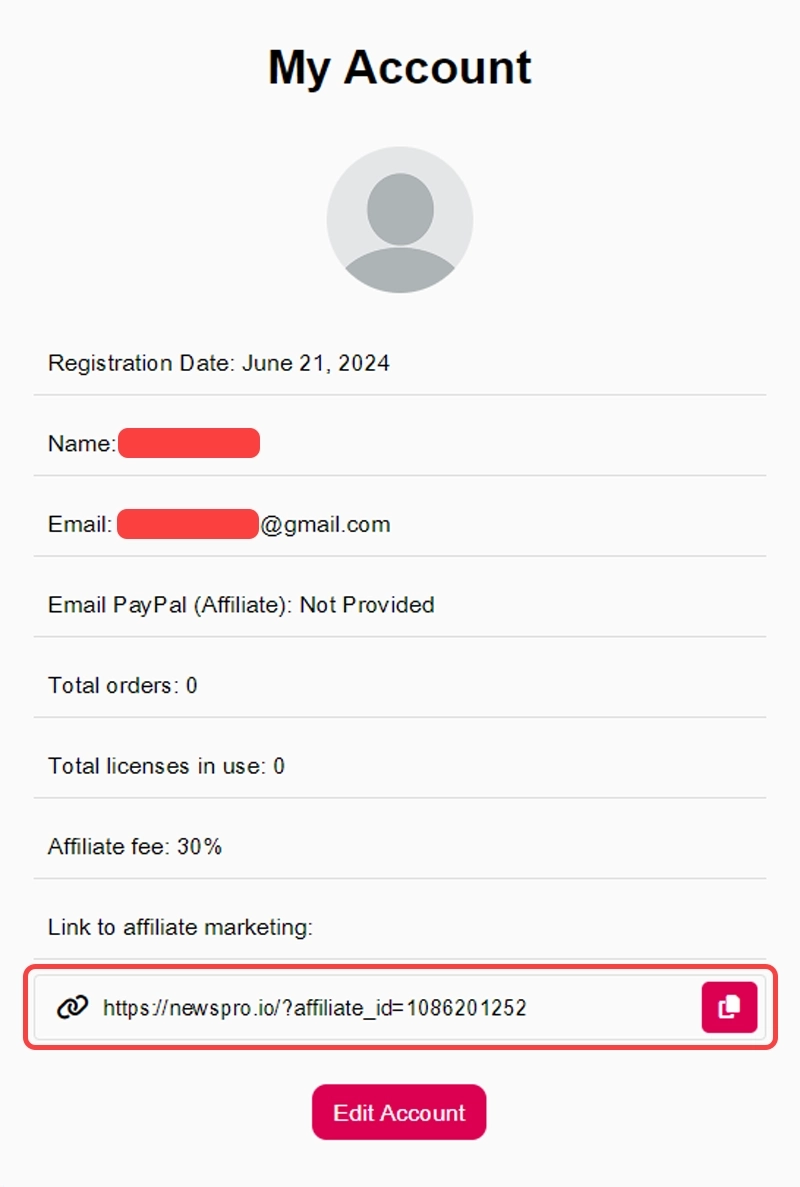
After signing in, you'll be automatically redirected to the "My Account" page.
Get Your Affiliate Link
On the "My Account" page, you'll find a section titled "Link to affiliate marketing"
Click the "Copy" button to easily copy your personal affiliate link. For example:
https://newspro.io/?affiliate_id=84955555559
Start Earning
Every sale you bring through your affiliate link will earn you 30% of the transaction!
Edit Your Profile
Click the "Edit Account" button to edit your profile.
Add your PayPal email address where your earnings will be transferred.
Set the minimum payout amount that will be sent to you on the first of every month.
Here's an overview of the packages we offer and their prices
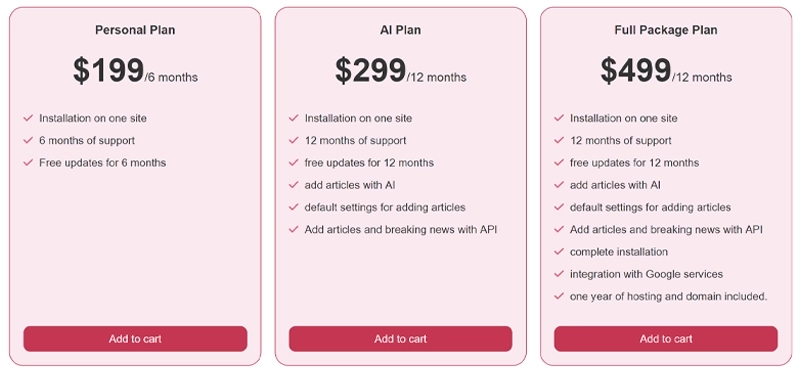
For the most current pricing, please visit: https://newspro.io/pricing/

